Docker Desktop: The #1 Containerization Tool for Developers
Streamline development with Docker Desktop’s powerful container tools.
Download Docker Desktop
Download for Mac – Apple Silicon Download for Mac – Intel Chip Download for Windows – AMD64 Download for Windows – ARM64 Download for Linux
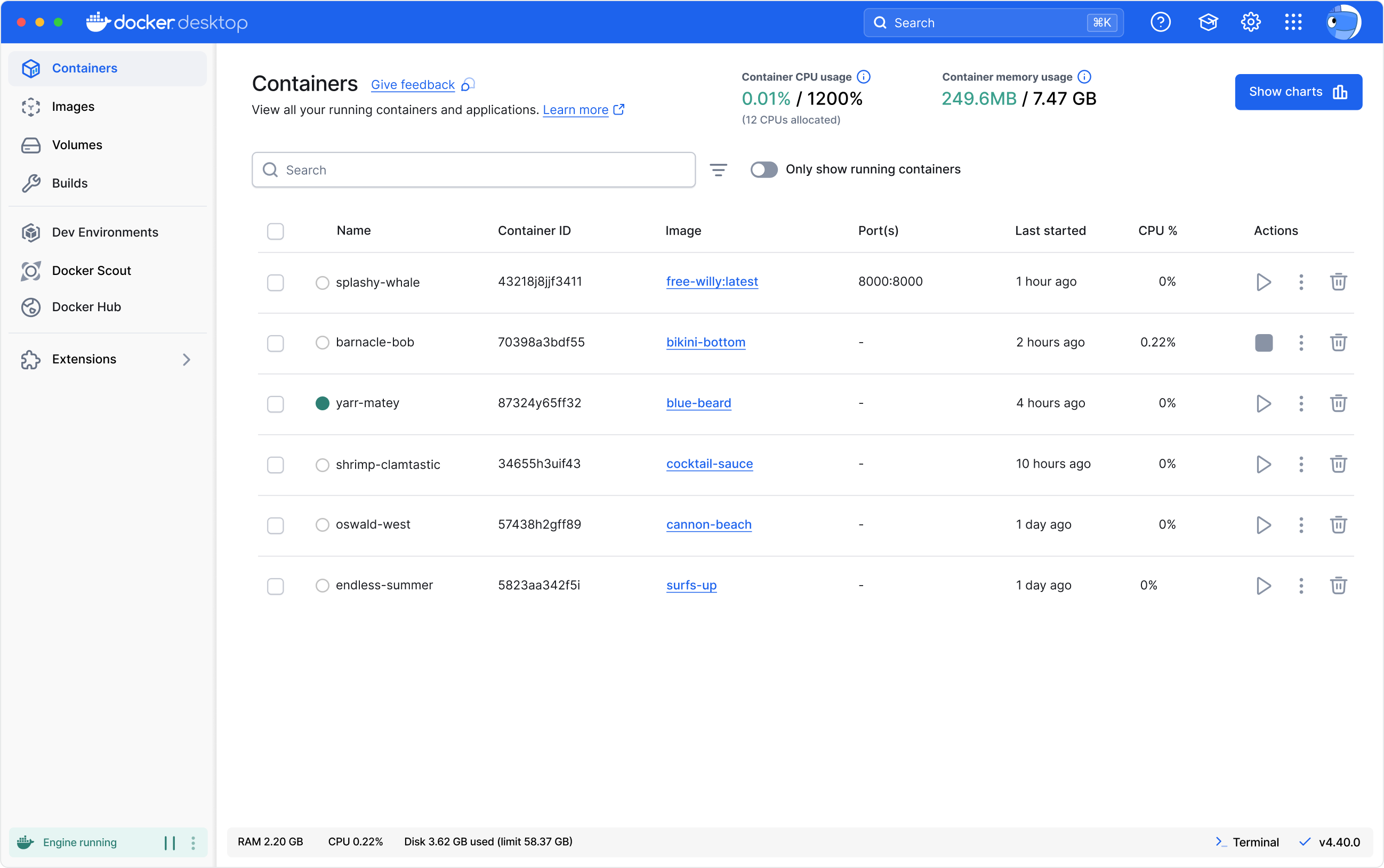
Docker Engine
Powerful container runtime
The Docker Engine powers your containerized applications with high performance and reliability. It provides the core technology for building and running containers, ensuring efficient and scalable operations.
Docker CLI
Flexible command-line interface
The Docker CLI offers a robust command-line tool for precise control over your containers. Execute complex commands, automate tasks, and integrate Docker seamlessly into your workflows.
Docker Compose
Streamlined multi-container management
Docker Compose simplifies the process of managing multi-container applications. Define and run complex setups with a single configuration file, making it easier to deploy and scale your applications.
Docker Build
Simplified container building
Docker Build is a powerful tool within Docker Desktop that simplifies the process of creating container images. It enables you to package and build your code to ship it anywhere while integrating seamlessly into your development pipeline.
Docker Kubernetes
Built-in container orchestration
Docker Kubernetes provides built-in Kubernetes support within Docker Desktop, allowing you to orchestrate and manage containers efficiently. Supporting both multi-node clusters and developer-selected versions, Docker Kubernetes simplifies deploying, scaling, testing, and managing containerized applications locally without needing an external cluster.
Volume Management
Effective data management
Docker Volumes provides a robust solution for managing and sharing container data. This feature allows you to easily and securely manage volumes for backup, sharing, or migration purposes, enhancing data management and portability.
Synchronized File Shares
Seamless data synchronization
Synchronized File Shares enable real-time sharing and synchronization of files between your host and containers. This feature ensures that file updates are instantly reflect on the host and container, improving collaboration and consistency.
Docker Debug
Advanced troubleshooting tools
Docker Debug provides comprehensive tools for diagnosing and resolving issues within your containers and images. This CLI command lets you create and work with slim containers that would otherwise be difficult to debug.
Hardened Docker Desktop
Enhanced container isolation
Hardened Docker Desktop includes advanced security features to safeguard your development environment. With enhanced container isolation, registry and image access management, and compliance with industry standard, you can confidently build and deploy secure applications.
VDI Support
Virtual desktop integration
VDI Support allows Docker to seamlessly integrate with virtual desktop infrastructure (VDI) environments. This feature ensures that Docker runs smoothly on virtualized desktops, providing a consistent experience regardless of where you access your containers.
Docker Private Extensions Marketplace
Custom extensions for your needs
The Docker Private Extensions Marketplace offers a curated selection of extensions tailored to your specific requirements. Customize and enhance your Docker environment with specialized tools and integrations available exclusively through the marketplace.
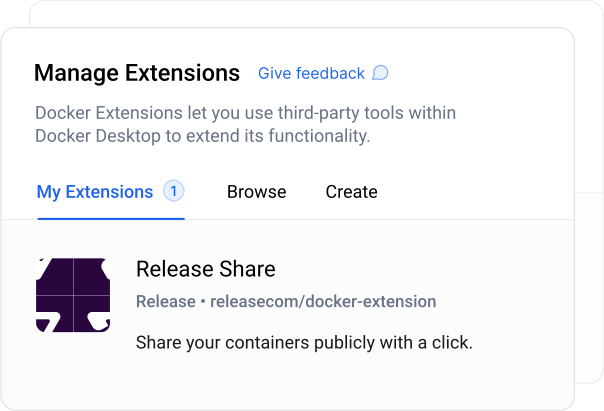
Extend the power of Docker Desktop
Docker Desktop enhances its capabilities through Docker Extensions, allowing developers to integrate seamlessly with their favorite tools and services. These extensions expand Docker Desktop’s functionality, providing a tailored experience that meets specific development needs.
Customizable experience
Personalize Docker Desktop with extensions that suit your individual or team needs, improving productivity and efficiency.
Learn more about Extensions
“Initially, our use of Docker was constrained to virtual environments due to policy restrictions on our workstations. The introduction of Docker Desktop and WSL2 enabled access to container technologies on our physical workstations at scale.”
Julius Pravtchev
Senior DevOps, CARIAD
Develop applications faster with Docker Desktop
Ready to enhance your development workflow? Compare subscriptions now or reach out to us for more information.
[
Read our datasheet to learn how Docker Desktop simplifies container management so that you can bring features and products to market faster.
Learn more
](https://www.docker.com/resources/accelerate-innovation-docker-desktop-datasheet/)Join our community
Join the Docker community to connect with other developers, share knowledge, and get support. Engage in discussions, contribute to projects, and be part of a vibrant ecosystem.
Learn more
View originalRead the blog
Keep up with the latest Docker news, tips, and best practices by reading our blog. Stay informed about new features, case studies, and industry trends.
Learn more
View originalFind resources
Explore a wealth of resources including webinars and white papers. Equip yourself with the knowledge and tools needed to make the most of Docker.
Learn more